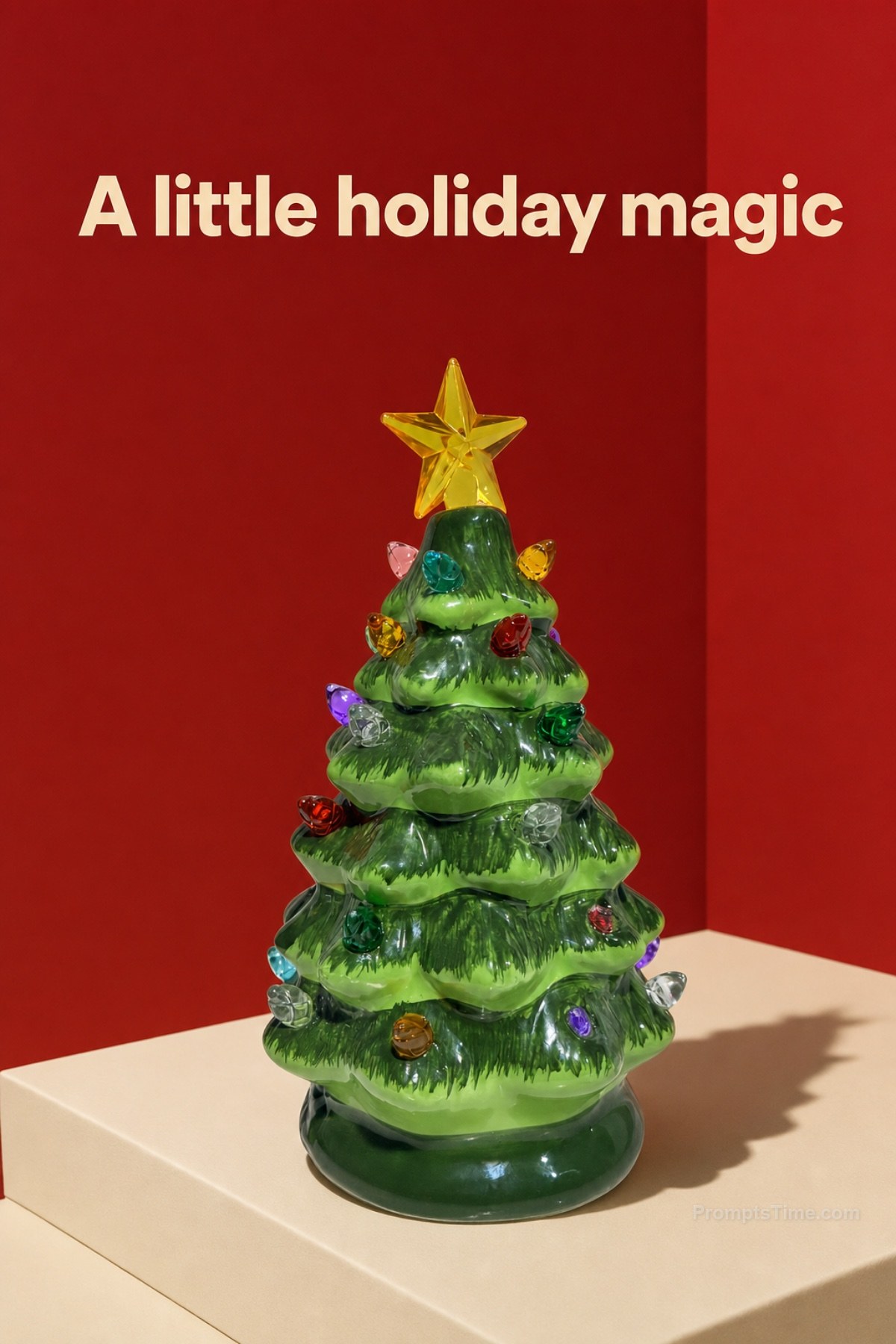
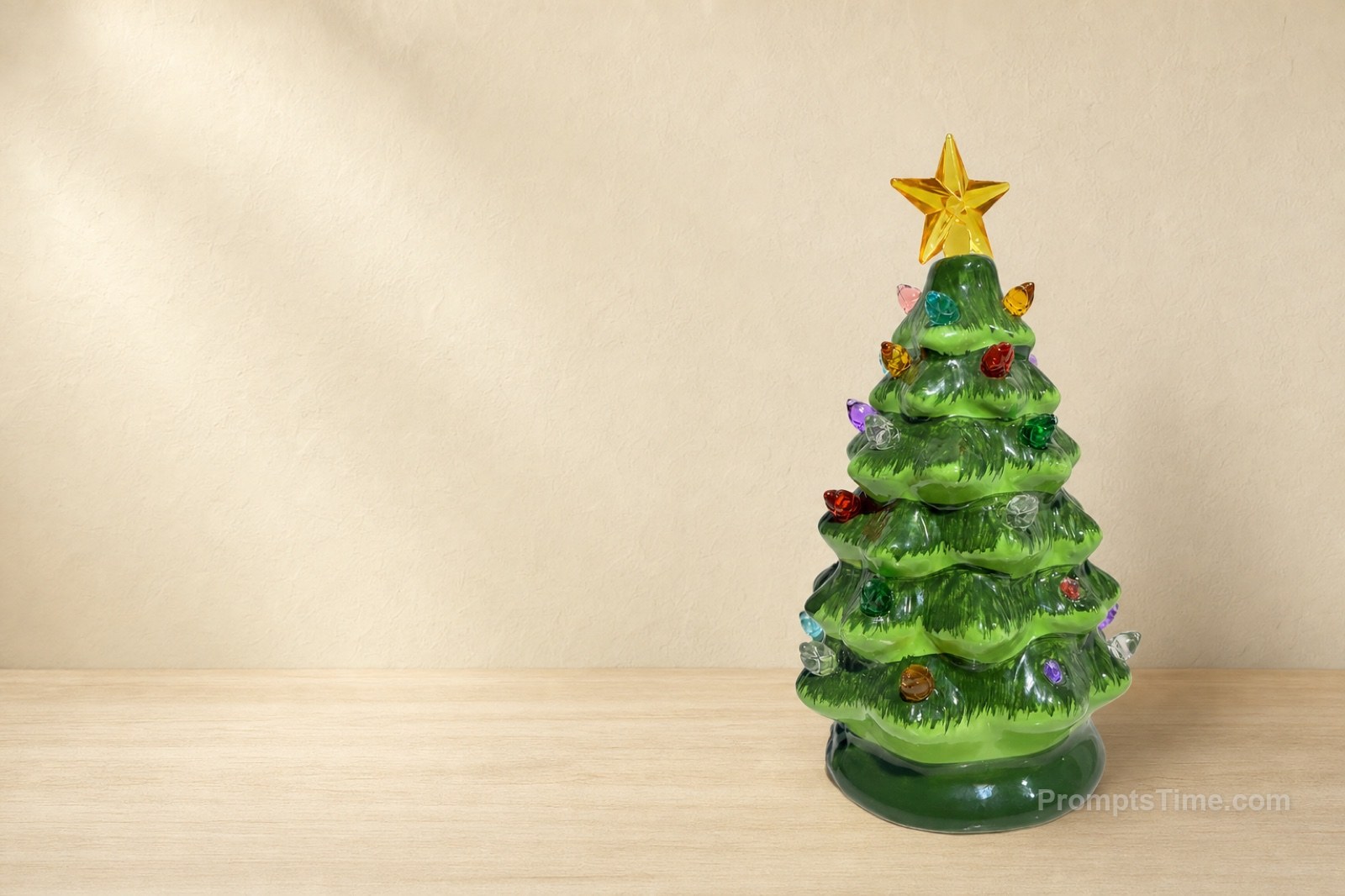
Social ad — Studio Product Shot from a Phone Photo
Feed ad with an exact headline
PRODUCT HERO SHOT STARTER - MASTER CREATION PROMPT (PromptsTime · v1.0) Turn an ordinary product photo into professional product imagery. HOW TO USE 1. Open ChatGPT (image generation) and attach your product photo exactly as your phone took it. 2. Copy everything between the lines below. Replace each [choice] with one option from the menus underneath. 3. Send. Then do the Fidelity Check before you use the image. ------------------------------------------------------------------ PRODUCT LOCK: Use the product exactly as it appears in the attached photo. Keep its shape, proportions, colours, materials, packaging, logo, label text, buttons, controls and every physical detail identical. Do not redraw, restyle, add or remove anything on the product. Keep exactly one product at a believable real-world size. CONDITION: [condition] POSITION: [position] The product must rest in a physically plausible way, touching the surface with a natural contact shadow. SCENE: [scene] LIGHT: [light] CAMERA & COMPOSITION: [camera]. Aspect ratio [ratio]. REFLECTIONS: [reflection] FINISH: Photorealistic commercial product photography, crisp product edges. Avoid: changes to the product, its buttons, icons, label or logo; extra products; text; watermarks; a pasted-in look; warped perspective. ------------------------------------------------------------------ MENUS (copy one option into each [ ]) [condition] - Preserve the product condition exactly as in the photo, including scratches, scuffs and signs of wear. Do not clean, polish or repair it. <- used, second-hand or handmade items - Present the product clean, as in a new-product photo, without changing any part of its design. <- only for new products - Preserve all scratches and wear; remove only dust and fingerprints. - Do not repair any damage. [position] - Lying flat on its back, as it would naturally rest. - Standing upright on its base (only if it can really stand on its own). - Leaning gently against [object], as it would naturally lean. - Floating slightly above the surface in a clearly stylised studio product shot, with a soft shadow below. - Held naturally in one hand, fingers not covering any label, logo or controls. - In the same position as in the source photo. [scene] -> see 03 Scene Recipes (Clean studio, Premium, Lifestyle, Social ad, Website hero) [light] - Even, soft two-light studio lighting, true-to-life colours, subtle soft shadow. - Low-key lighting: soft key light from the front-left and a bright rim light tracing the edges. - Warm morning window light from the left, soft natural shadows. - Bright hard studio light from the upper right with one crisp shadow. - Soft directional light from the left, gentle gradient shadow. [camera] - Eye-level front view, product centred, filling about 80% of the frame (marketplace) - Eye-level, 85 mm lens feel, product centred, filling about 55-60% of the frame height (premium) - Seen from about 45 degrees above, shallow depth of field, product on the right third (lifestyle) - Product in the lower two-thirds, slightly angled; top third kept clear for a headline (social ad) - Product on the right side, the left half kept empty for a headline and button (website hero) [ratio] 1:1 marketplace · 4:5 feed post · 9:16 story/reel cover · 16:9 or 3:2 website hero [reflection] - Matte surface: no mirror reflection. - Only a subtle, soft, blurred glow on the surface beneath the product. Do not render a sharp mirror image of the product. If a reflection would require copying the product details, show no reflection. - (Glossy mirror reflection only if you will check it carefully: the reflection must be an exact vertical mirror image of the product.) REFINING Change one thing at a time: "Same image, warmer light - keep everything else identical." If the product changed: "The [buttons / label / logo / shape] changed. Regenerate keeping the product exactly as in the attached photo." Important: upload your photo as your phone saved it. Do not rotate or edit it first unless it is genuinely the wrong way up.
4 variations of this prompt
More like this

 Images10 prompts
 Posters2 prompts
 Lifestyle1 prompt